
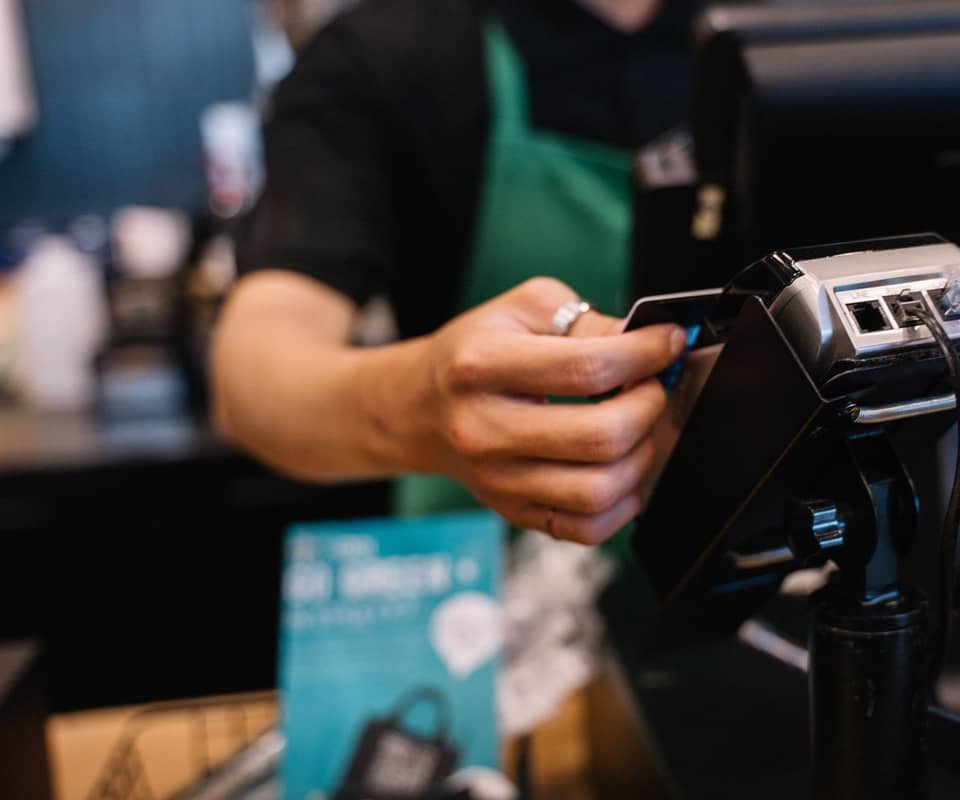
Chip, tap and wallet
Accept the ways customers commonly pay today, including contactless cards and mobile wallets.
Chip, tap and mobile wallet payments on countertop, wireless and tableside terminals, chosen for the way you serve customers.
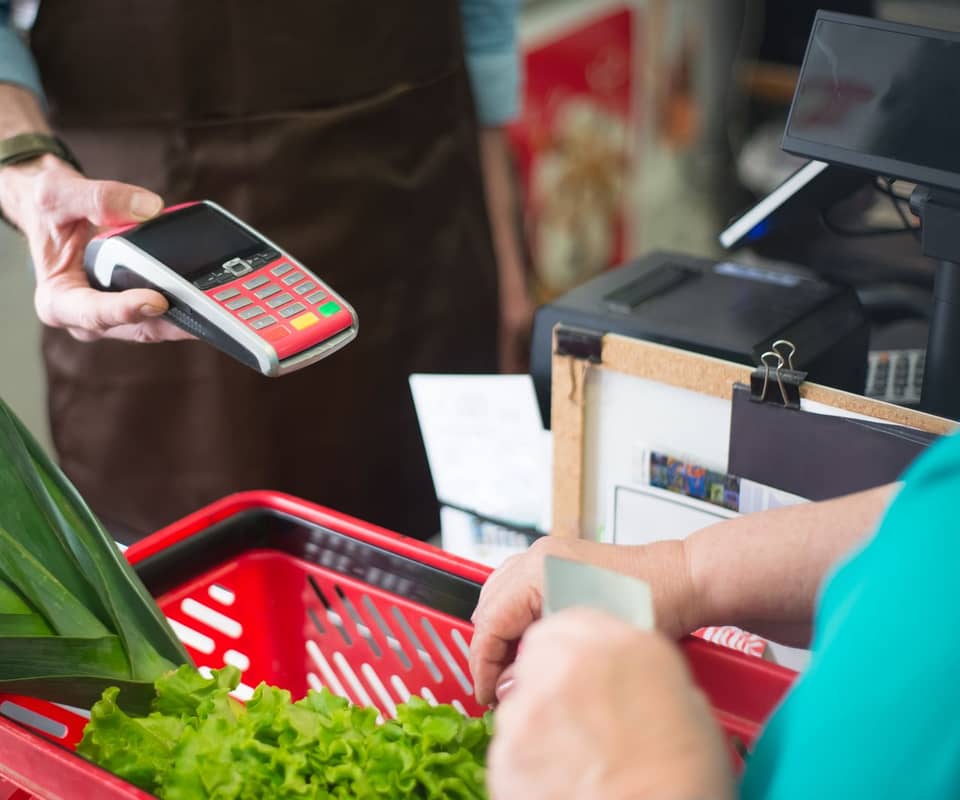
If customers pay at a counter, a table or a market stall, a card terminal is the heart of your setup. We help you pick one that suits your space, your speed of service and your budget.
A typical in-store setup, step by step.
We match a terminal to your counter, your queue and how you take tips or split bills.
We help with the application so funds can settle to your business bank account.
Your terminal is set up for your account and receipts before it reaches you.
Chip, tap and mobile wallet payments, with help on hand for the first sales.
Funds settle to your bank and reporting shows what was sold and settled.
Declines, paper rolls, connectivity: reach the team when something looks wrong.
Exact features depend on the terminal and your approval.
Accept the ways customers commonly pay today, including contactless cards and mobile wallets.
Fixed terminals for the till or wireless ones that go to the table or the door.
See what was sold and settled without piecing it together from receipts.
Practical advice on protecting card data and avoiding common fraud.
Terminals chosen to be quick to learn for new team members.
Talk through what to do if connectivity drops so service is not stuck.
Sometimes. It depends on the model and whether it can be reprogrammed. Tell us what you have and we will check.
Wireless and tableside terminals are common because the payment happens at the table. We help you choose based on your layout.
It depends on the model and its connection options. We discuss backup plans with you before you choose.
Tell us how you serve customers and we will recommend a setup in writing.
Get a quote